Lo último en accesibilidad web y normativa digital

Guías sobre WCAG, ecommerce, WordPress, WooCommerce y cumplimiento legal europeo.

Accessibility ≠ Overlay: when online checkout becomes a barrier

Accessibility ≠ Overlay: when online checkout becomes a barrier

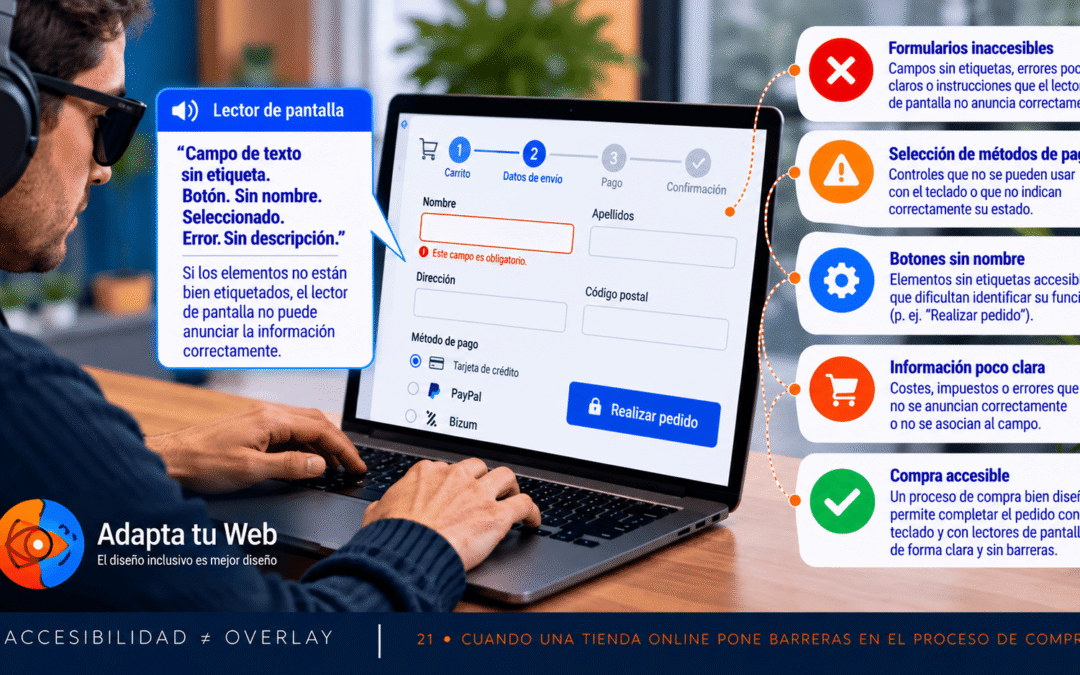
Accessibility ≠ Overlay · 21Accessibility ≠ Overlay: when online checkout becomes a barrierOctober 2026 · 6 min readShopping online should be straightforward. Yet inaccessible baskets, address forms and payment gateways can prevent people using keyboards or screen...

🧑‍🦯 Blind Reader
Intent narrator ready.

Accessibility guide

This is a functional summary, not a literal reading.

Go to primary goal Jumps to the main action area (form, list or contact).

You are on a listing page. The main goal seems to be: to explore options.

Top actions: Browse results, Filter or sort.

There are 13 key sections you can jump to.

Confidence: 68%

Before continuing:

  • Handle cookies/consent Reason: Detecté un aviso relacionado con cookies/consentimiento. — Recommended route: Contenido principal

Recommended actions

  • Browse results Reason: Parece haber un listado de elementos. — Recommended route: Listado
  • Filter or sort Reason: Detecté términos de filtros/ordenación. — Recommended route: Listado

Go by goals

Choose what you want to do. I will explain it, then ask before jumping.

Confirmation mode

Choose how often I should ask before jumping.


Learning scope (only for “first time”)

Site: remember this goal across the whole site. Page: remember per URL.


  • Go to Home
  • Go to About
  • Go to BlindReader
  • Go to Withdrawal Button
  • Go to Services
  • Go to Blog
  • Go to Contact
  • Go to English
  • Go to Español
  • Go to Català
  • Go to Polski
  • Go to Română
  • Go to Italiano
  • Go to Français
  • Go to Svenska
  • Go to Deutsch
  • Go to Nederlands
  • Go to Português
  • Handle cookies/consent Important: this may block navigation.
  • Browse results
  • Filter or sort

Guided navigation

The guide announces one section at a time.

How it works: Start guide announces the first key section and scrolls to it. Next moves to the following section. To move focus to the section, use Go to current section. Stop exits.

Status: Guide inactive

Go to current section This link updates as the guide advances.

About Blind Reader

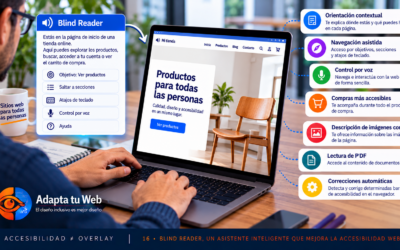
Blind Reader is an accessibility assistant that analyzes each page and narrates its purpose, key sections and recommended actions — designed for screen reader users.

Compatible page builders: Works with any WordPress theme or builder: Divi, Elementor, Gutenberg, WPBakery, Avada and others. It reads the real content of the page, not the builder markup.

Does it interfere with your content? No. Blind Reader adds an accessible panel above the page but does not modify, hide or alter any existing content or styles on your site.

How does it work? It analyzes the page structure (headings, links, forms, landmarks) and generates a functional summary. The guide and goals help navigate without having to scan the whole page.

Keyboard shortcut: Press Alt + G to jump directly to the first goal.