


The latest in web accessibility and digital regulations
Guides on WCAG, e-commerce, WordPress, WooCommerce and European legal compliance.
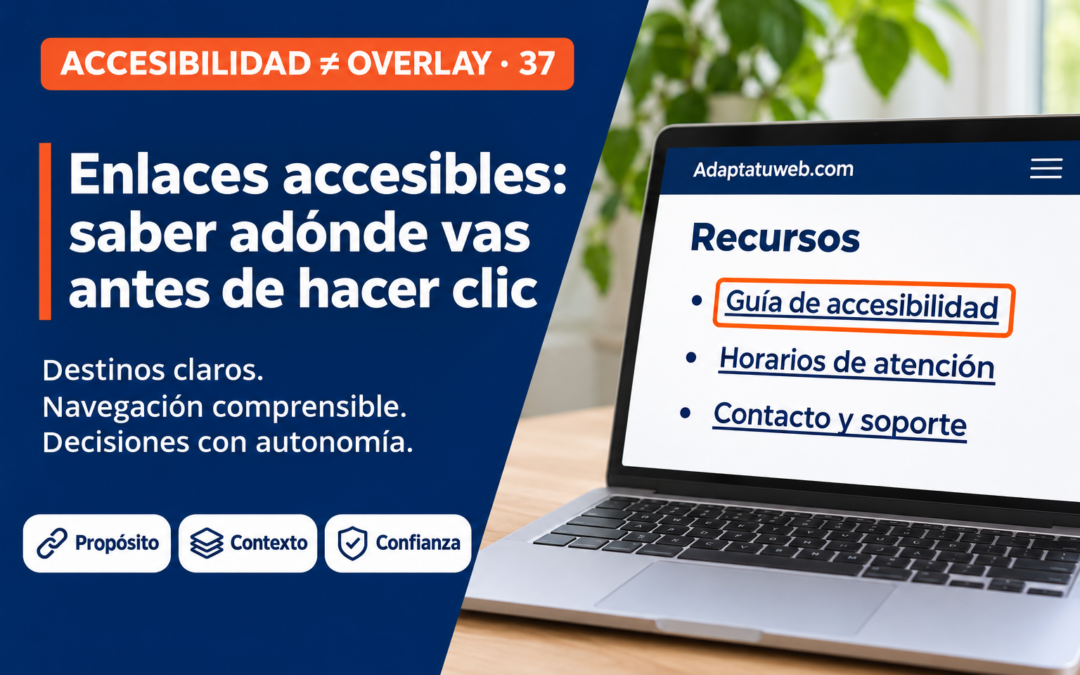
Accessible links: knowing where you are going before you click
ACCESSIBILITY ≠ OVERLAY · 37Accessible links: knowing where you are going before you click📅 10 November 2026 · ⏱ 7 min readA link should support a decision rather than require guesswork. Its text, context and behaviour determine whether people can...
Accessible links: knowing where you are going before you click
A link should support a decision rather than require guesswork. Its text, context and behaviour determine whether people can navigate using a screen reader, keyboard, voice control or magnification.
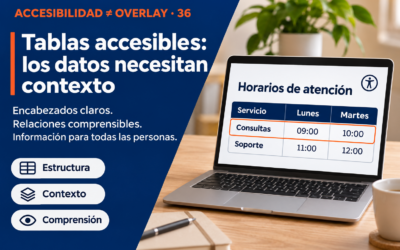
Accessible tables: when data needs context, not an overlay
A table can look tidy while remaining confusing to someone listening to it or using magnification. Accessibility means preserving the relationship between every value, its row and its column.
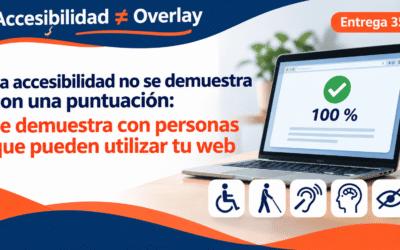
Accessibility is not proven by a score: it is proven when people can use your website
ACCESSIBILITY ≠ OVERLAY · 35Accessibility is not proven by a score: it is proven when people can use your website📅 6 November 2026 · ⏱ 6 min readA perfect automated score can coexist with serious barriers. Real accessibility means completing real...
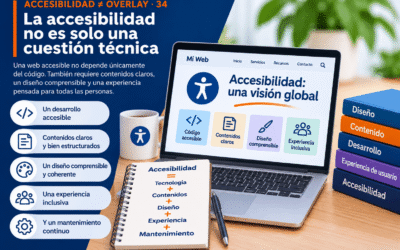
Accessibility is not just a technical issue: a holistic approach
ACCESIBILIDAD ≠ OVERLAY · 34Accessibility is not just a technical issue: a holistic approachAccessible code, clear content, understandable design, inclusive experiences and ongoing maintenance must work together.1. Accessibility goes beyond codeA website can pass...
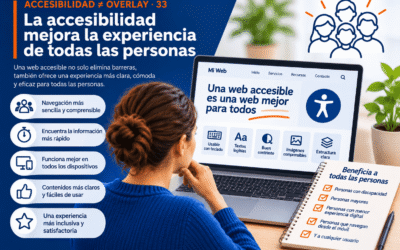
Accessibility improves the experience for everyone
Accessible websites remove barriers and make everyday tasks clearer and easier for a wider range of people.
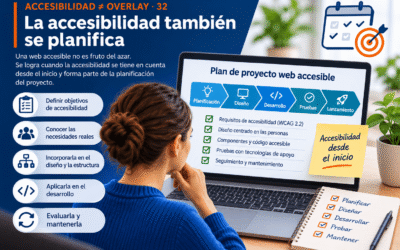
Accessibility ≠ Overlay: accessibility must be planned
Accessible websites are not an accident. They result from clear requirements, inclusive design, sound development, realistic testing and ongoing maintenance.
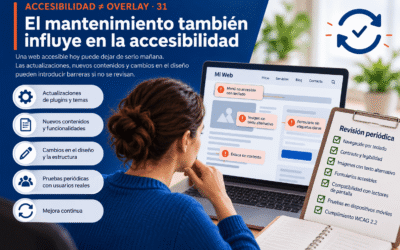
Accessibility ≠ Overlay: ongoing maintenance is essential for accessibility
A website that is accessible today may develop barriers tomorrow. Updates, new content and redesigned components require regular checks rather than reliance on a floating widget.
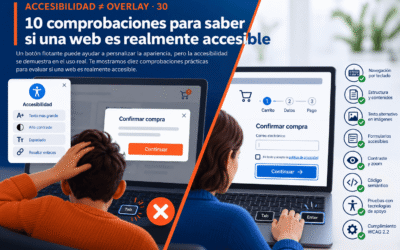
Accessibility ≠ Overlay: 10 checks to find out whether your website is truly accessible
A floating icon does not prove accessibility. What matters is whether people can navigate, understand information and complete meaningful tasks. These ten practical checks focus on real experience.
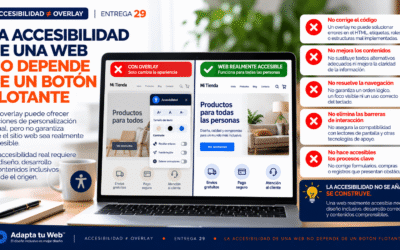
Accessibility ≠ Overlay: accessibility does not depend on a floating button
ACCESIBILIDAD ≠ OVERLAY · 29Website accessibility does not depend on a floating button📅 28 October 2026 · ⏱ 9 min readA floating button can change the appearance of a page. But when someone cannot complete a form, navigate a menu with a keyboard or...