Services
The importance of taking accessibility into account
PDF Adaptation
Documents Converted into Inclusive Tools
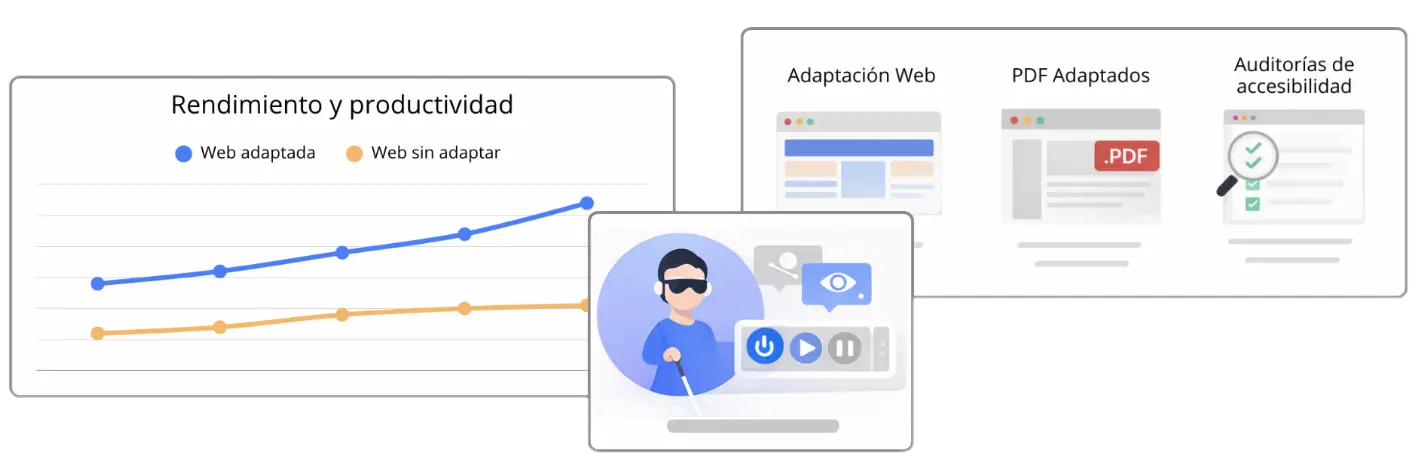
A PDF file should never become a barrier for users with visual disabilities. We adapt documents to comply with the UNE-EN 301 549:2022 standard. Through logical structuring and proper tagging, we ensure that any person—regardless of the assistive technologies they use—can interact with the information with full autonomy and accuracy.
Technical Precision on Every Page and Tag
Document accessibility goes far beyond adding alternative text. We intervene in the deep architecture of the PDF to define the correct reading order, optimise complex tables, and ensure that colour contrasts meet European standards. The goal is for screen readers to accurately interpret heading hierarchy and internal navigation, eliminating the common errors that often block access to critical information in poorly optimised documents.
Web Adaptation
Structural Optimisation
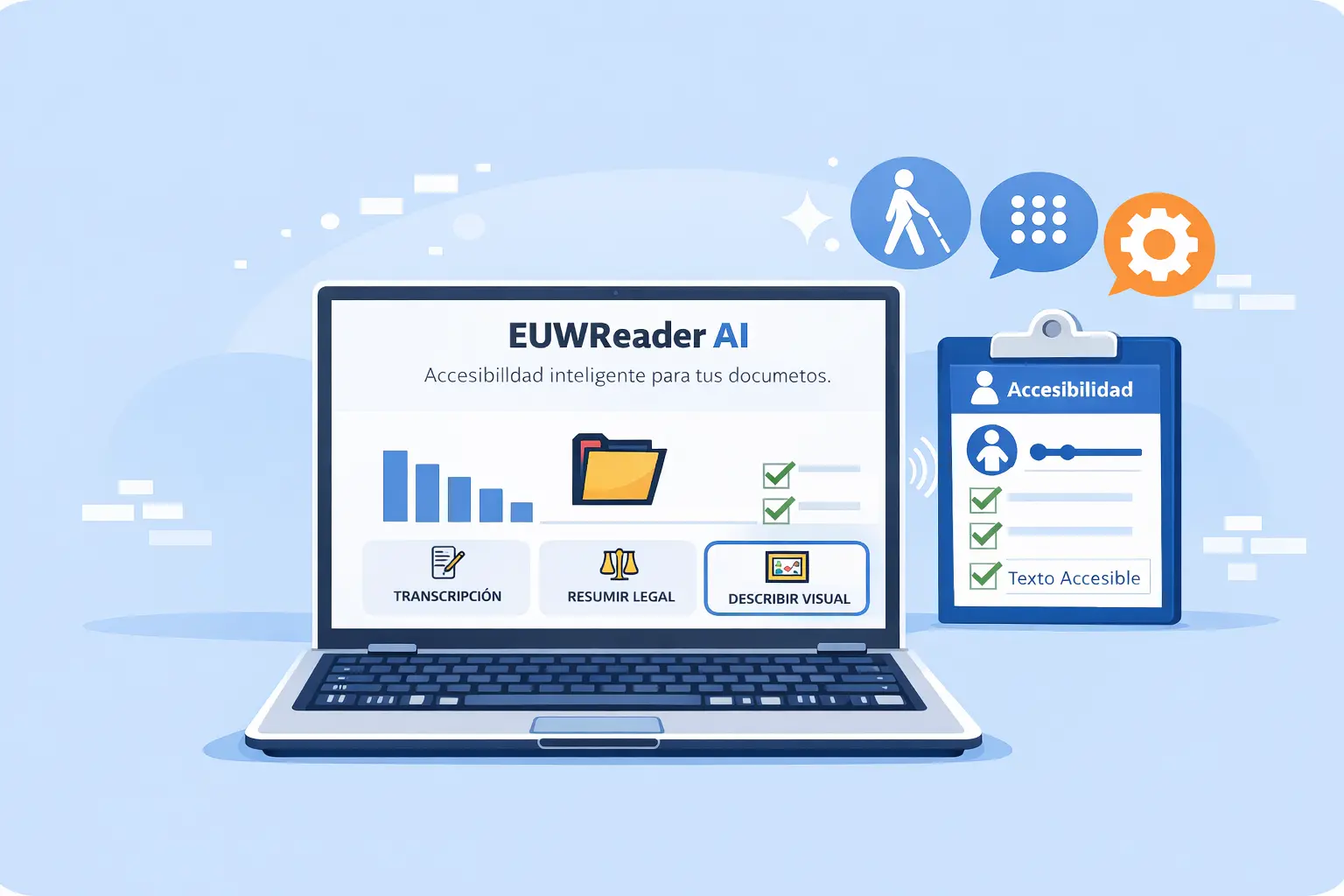
We take a website to the highest level of compliance through direct intervention in its architecture. We do not simply patch errors; we restructure the source code and navigation flows to ensure that the content hierarchy is logical and semantically correct. By optimising the internal structure of a website according to European standards, we ensure that the information is fully processable by any assistive technology, eliminating friction and maximising usability.
Precise Tagging and High‑Impact Descriptions
True accessibility lies in the details. We implement attributes and form labels so that every interactive element is understandable and predictable. We transform complex visual elements into descriptive textual experiences, allowing screen reader users to navigate with the same fluidity and autonomy as any other visitor.
Web Adaptation
Structural Optimisation
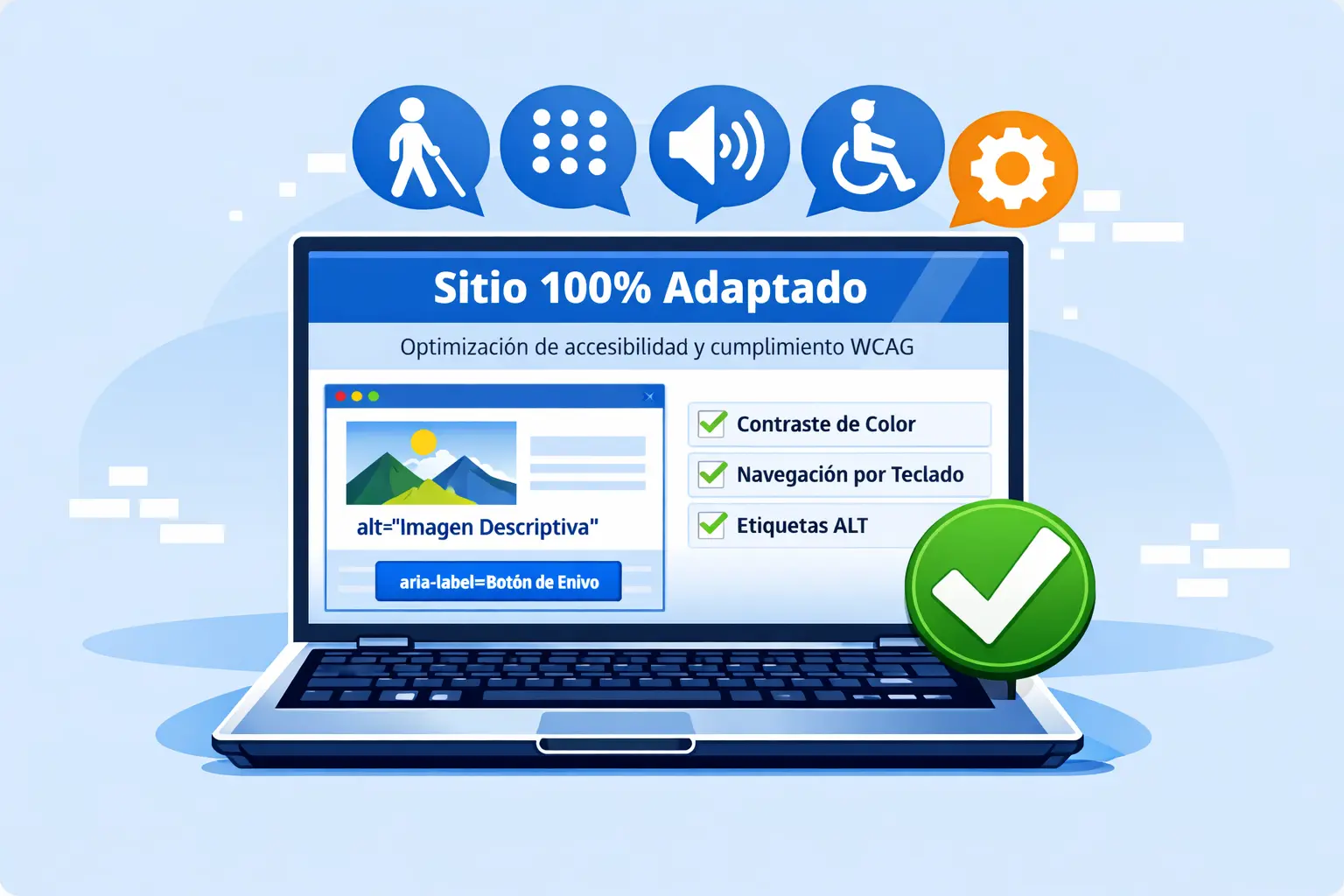
We take a website to the highest level of compliance through direct intervention in its architecture. We do not simply patch errors; we restructure the source code and navigation flows to ensure that the content hierarchy is logical and semantically correct. By optimising the internal structure of a website according to European standards, we ensure that the information is fully processable by any assistive technology, eliminating friction and maximising usability.
Precise Tagging and High‑Impact Descriptions
True accessibility lies in the details. We implement attributes and form labels so that every interactive element is understandable and predictable. We transform complex visual elements into descriptive textual experiences, allowing screen reader users to navigate with the same fluidity and autonomy as any other visitor.
Accessibility Audits
Turn Legal Compliance into a Competitive Advantage
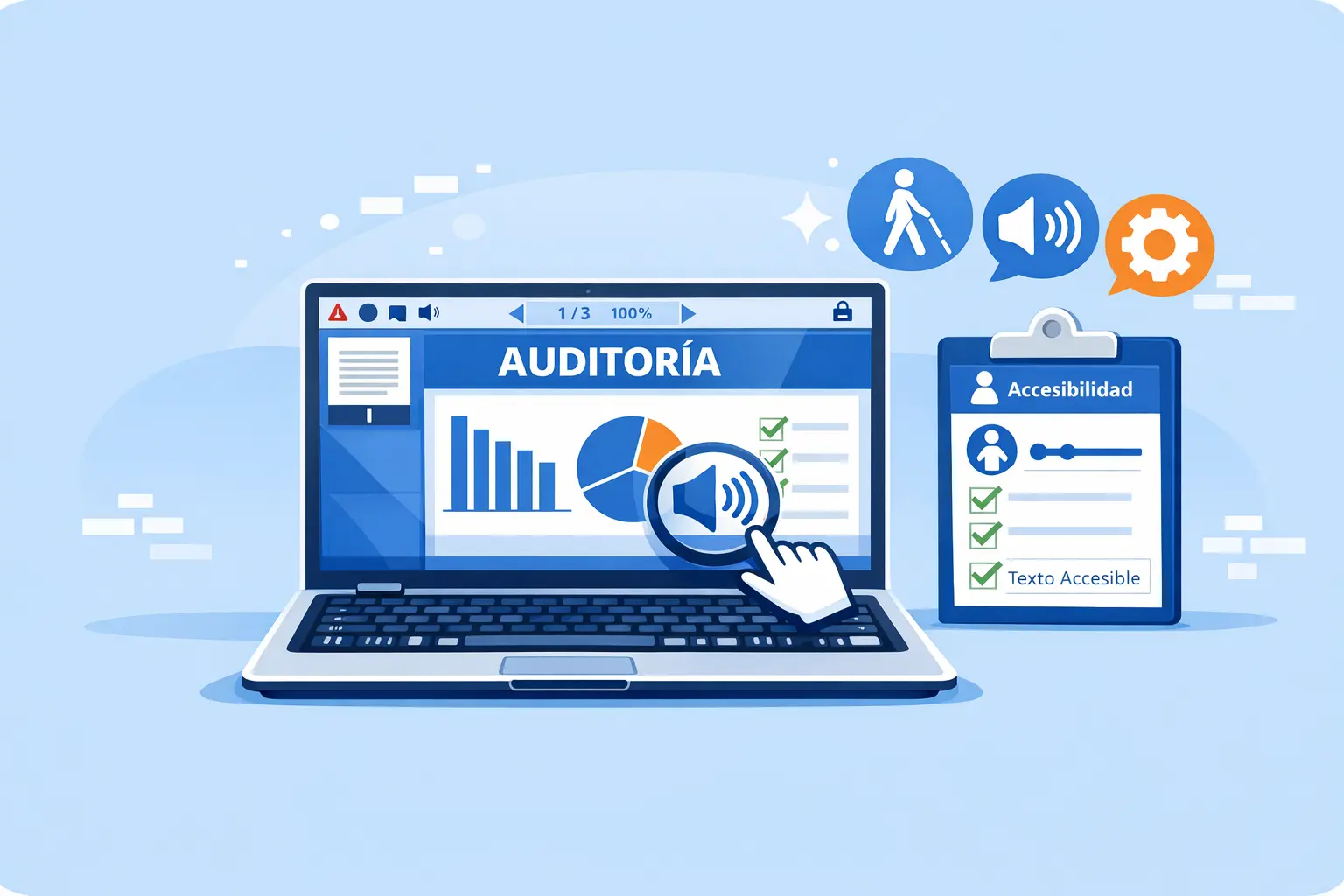
Our technical audit service thoroughly analyses a website to ensure it is inclusive, functional, and fully aligned with current European standards and Royal Decree 1112/2018. Removing digital barriers not only prevents sanctions — it also strengthens brand reputation.
Diagnostics with Technical Rigour
Our work goes beyond superficial automated scans. We perform tests that include keyboard navigation and screen reader use, simulating the real experience of users with functional diversity. Our reports document every issue with visual evidence (screenshots) and direct references to the source code, ensuring that no accessibility error goes unnoticed.