Servicios
La importancia de tener en cuenta la accesibilidad
Adaptación de PDF
Documentos convertidos en herramientas inclusivas
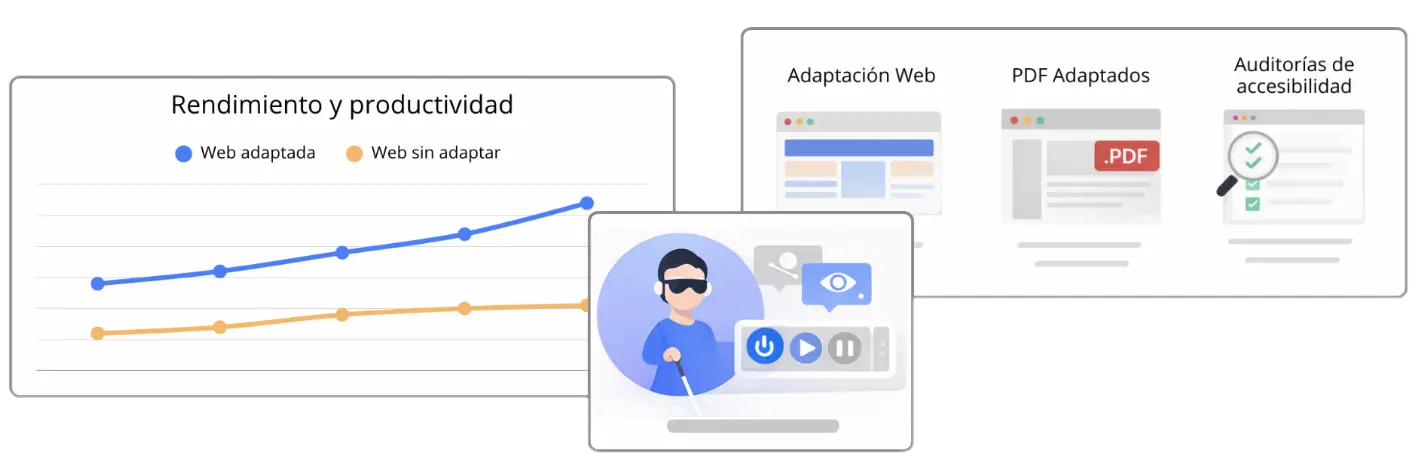
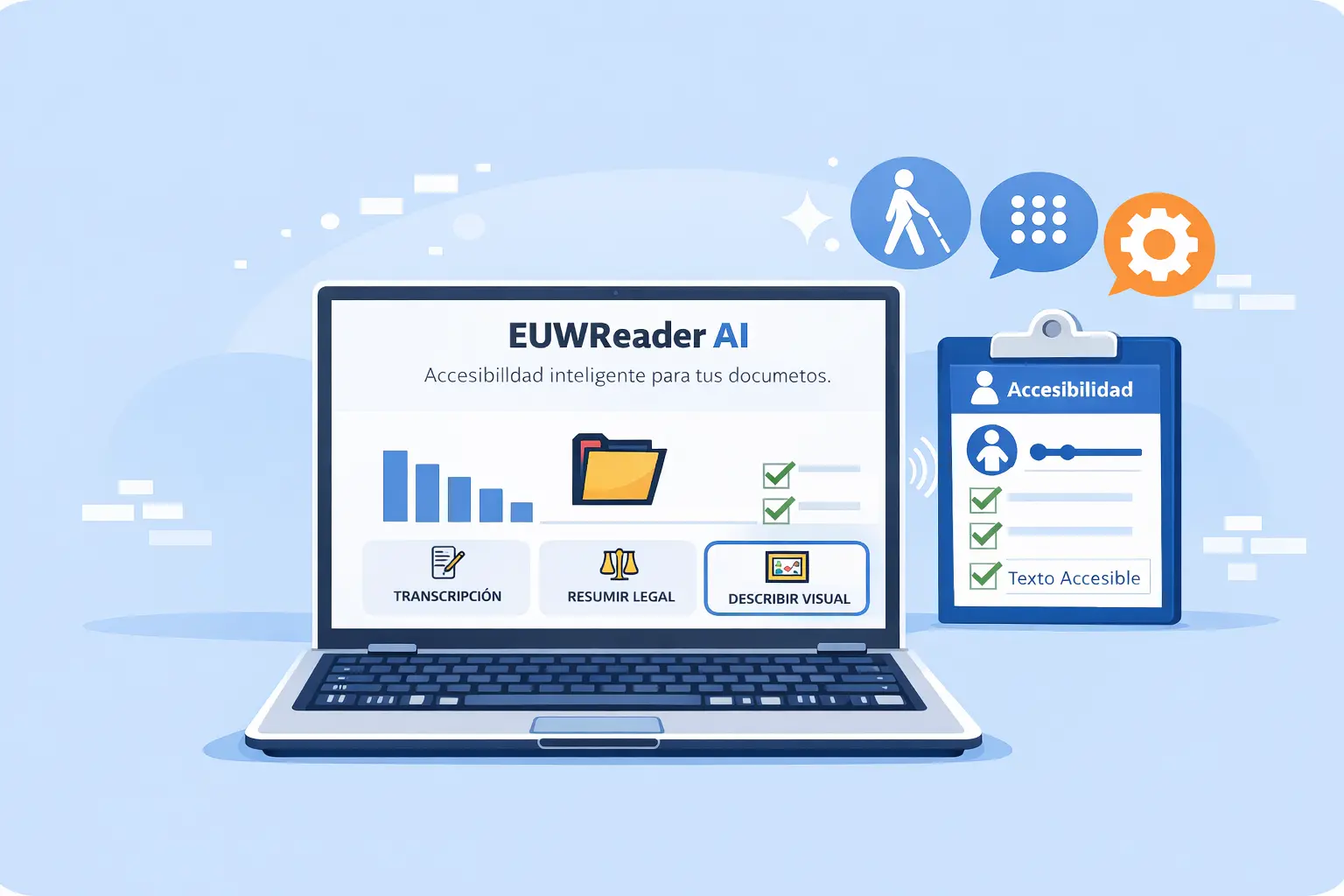
Un archivo PDF no puede ser una barrera para los usuarios con discapacidad visual. Adaptamos documentos para cumplir con la norma UNE-EN 301 549:2022. Mediante una estructuración lógica y el etiquetado correcto, permitimos que cualquier persona, sin importar las herramientas asistivas que utilice, pueda interactuar con la información con total autonomía y precisión.
Precisión técnica en cada página y etiqueta
La accesibilidad documental va mucho más allá de añadir texto alternativo. Intervenimos en la arquitectura profunda del PDF para definir el orden de lectura correcto, optimizar tablas complejas y asegurar que los contrastes de color cumplan con los estándares europeos. El objetivo es que los lectores de pantalla interpreten fielmente la jerarquía de títulos y la navegación interna, eliminando los errores comunes que suelen bloquear el acceso a la información crítica en documentos mal optimizados.
Adaptación de Web
Optimización estructural
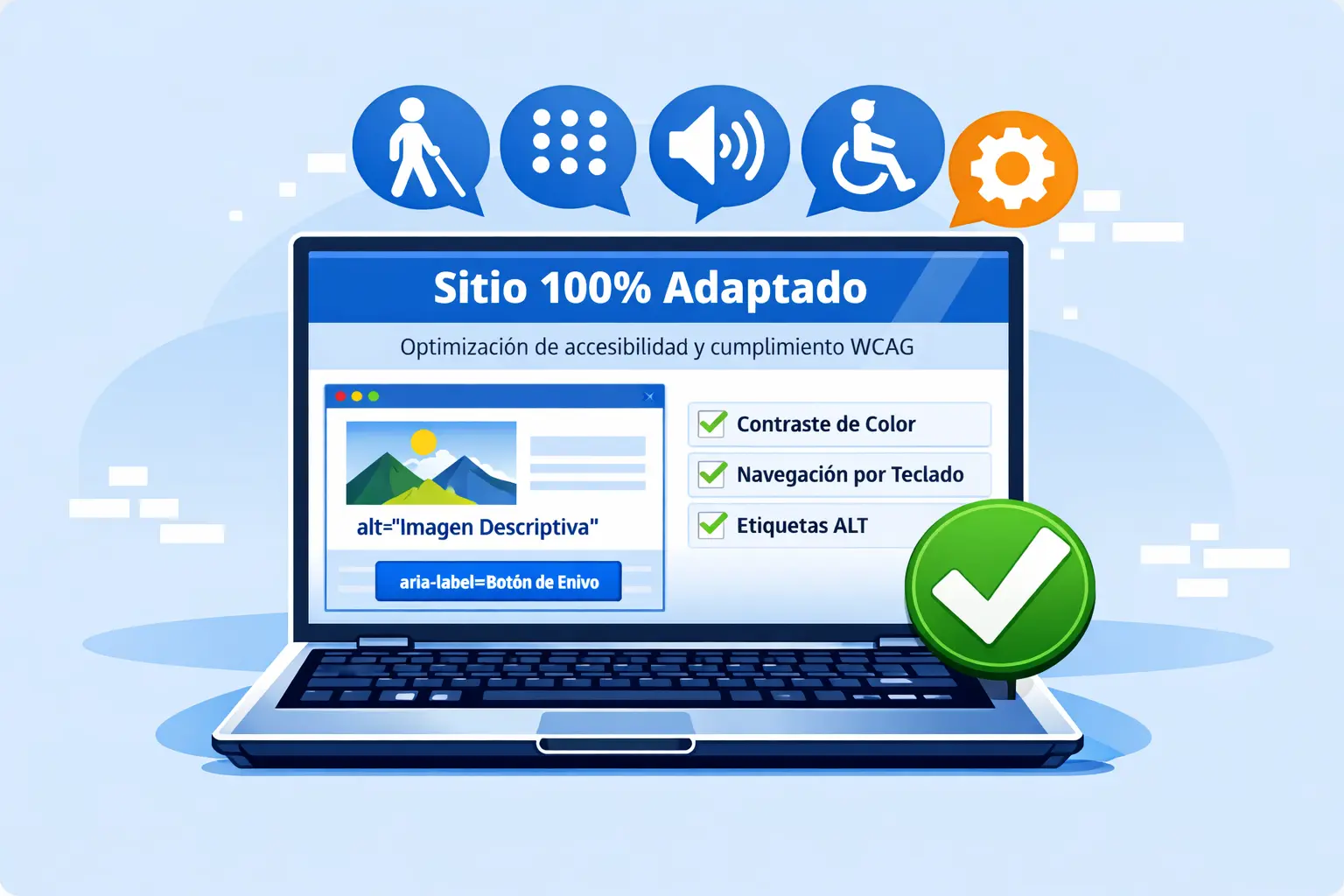
Llevamos un sitio web al máximo nivel de cumplimiento mediante una intervención directa en su arquitectura. No nos limitamos a parchear errores; reestructuramos el código fuente y los flujos de navegación para garantizar que la jerarquía de contenidos sea lógica y semánticamente correcta. Al optimizar la estructura interna de una web según la norma europea, aseguramos que la información sea procesable para cualquier tecnología asistiva, eliminando fricciones y maximizando la usabilidad.
Etiquetado preciso y descripciones de alto impacto
La verdadera accesibilidad reside en los detalles. Implementamos atributos y etiquetas de formulario para que cada elemento interactivo sea comprensible y predecible. Transformamos elementos visuales complejos en experiencias textuales descriptivas, permitiendo que los usuarios de lectores de pantalla naveguen con la misma fluidez y autonomía que cualquier otro visitante.
Adaptación de Web
Optimización estructural
Llevamos un sitio web al máximo nivel de cumplimiento mediante una intervención directa en su arquitectura. No nos limitamos a parchear errores; reestructuramos el código fuente y los flujos de navegación para garantizar que la jerarquía de contenidos sea lógica y semánticamente correcta. Al optimizar la estructura interna de una web según la norma europea, aseguramos que la información sea procesable para cualquier tecnología asistiva, eliminando fricciones y maximizando la usabilidad.
Etiquetado preciso y descripciones de alto impacto
La verdadera accesibilidad reside en los detalles. Implementamos atributos y etiquetas de formulario para que cada elemento interactivo sea comprensible y predecible. Transformamos elementos visuales complejos en experiencias textuales descriptivas, permitiendo que los usuarios de lectores de pantalla naveguen con la misma fluidez y autonomía que cualquier otro visitante.
Auditorías de accesibilidad
Transforma el cumplimiento legal en una ventaja competitiva
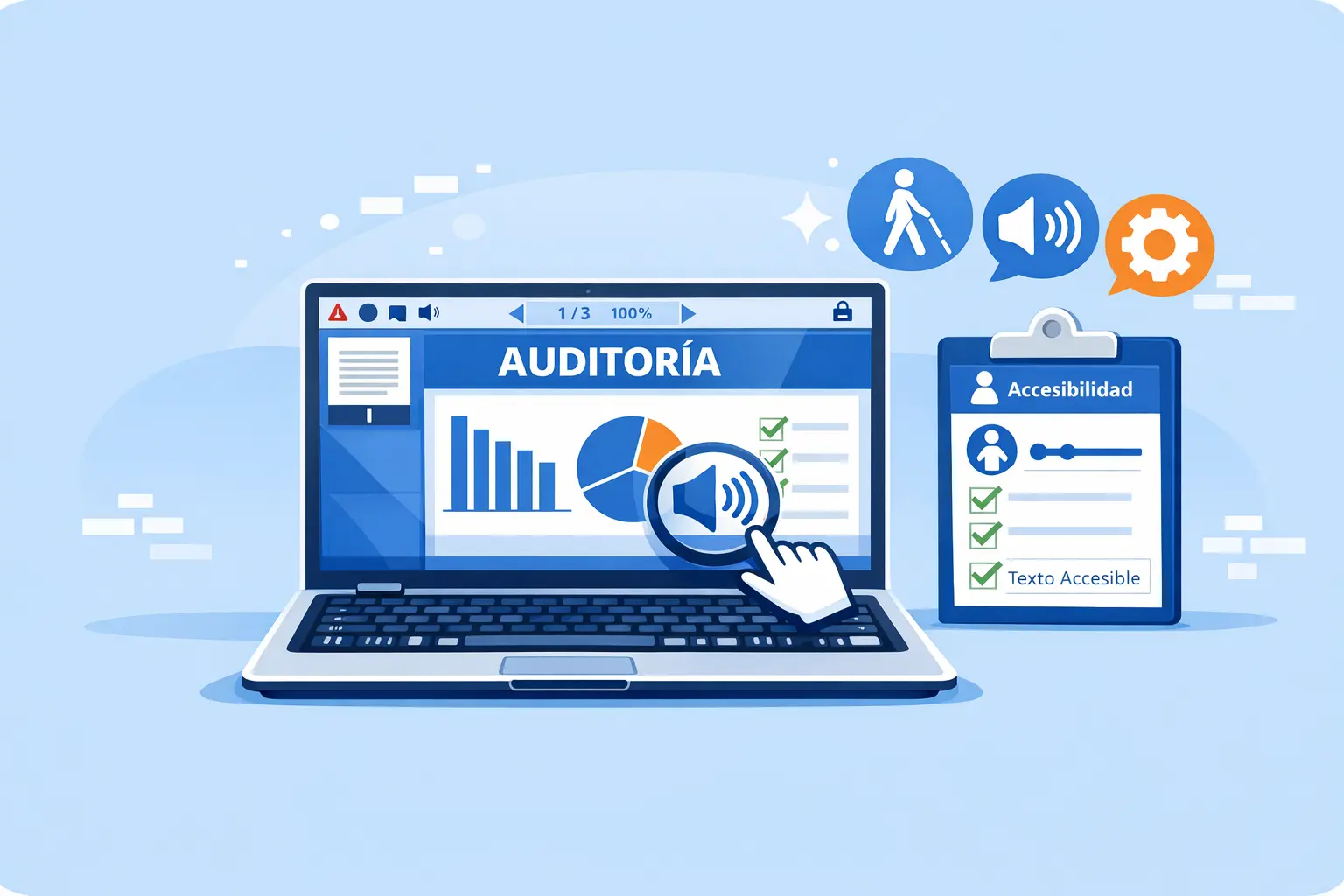
Nuestro servicio de auditoría técnica analiza a fondo un sitio web para garantizar que sea inclusivo, funcional y totalmente alineado con los estándares europeos actuales y el Real Decreto 1112/2018. Eliminar las barreras digitales, no solo evita sanciones, también mejora la reputación de marca.
Diagnósticos con rigor técnico
Nuestro trabajo va más allá de los escaneos automáticos superficiales. Realizamos pruebas que incluyen navegación mediante teclado y lectores de pantalla, simulando la experiencia real de usuarios con diversidad funcional. Nuestros informes documentan cada incidencia con evidencias visuales (capturas) y referencias directas al código fuente, asegurando que ningún error de accesibilidad pase desapercibido.