Lo último en accesibilidad web y normativa digital

Guías sobre WCAG, ecommerce, WordPress, WooCommerce y cumplimiento legal europeo.

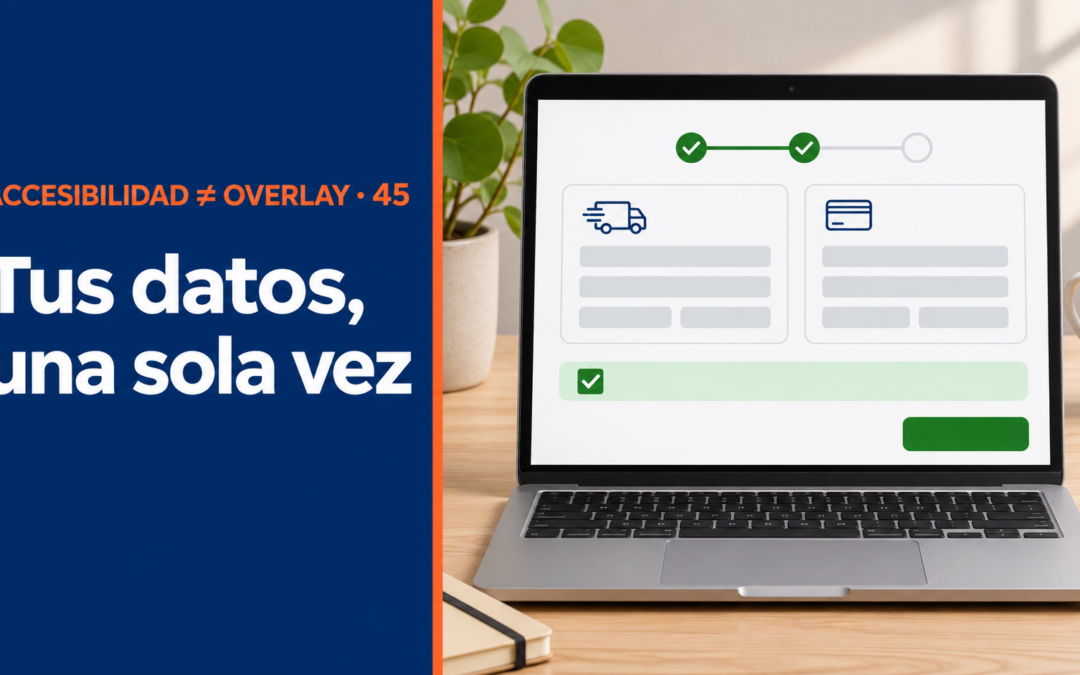
Your details, once during the checkout

Your details, once during the checkout

ACCESIBILIDAD ≠ OVERLAY · 45Your details, once during the checkout📅 20 November 2026   ·   ⏱ 6 min readYou enter your name, address and telephone number for a delivery. On the next screen the shop asks for the same information for the invoice. Each field...

🧑‍🦯 Blind Reader
Intent narrator ready.

Accessibility guide

This is a functional summary, not a literal reading.

Go to primary goal Jumps to the main action area (form, list or contact).

Page type: article. The main goal seems to be: to inform you.

There are 11 sections you can jump to.

Before continuing:

  • Handle cookies/consent Reason: Detecté un aviso relacionado con cookies/consentimiento. — Recommended route: Contenido principal

Go by goals

Choose what you want to do. I will explain it, then ask before jumping.

  • Handle cookies/consent Important: this may block navigation.
  • Go to Home
  • Go to About
  • Go to Products
  • Go to BlindReader
  • Go to Withdrawal Button
  • Go to Intent Flow
  • Go to Services
  • Go to Blog
  • Go to Contact
  • Go to Español
  • Go to Català
  • Go to Polski
  • Go to Română
  • Go to Italiano
  • Go to Français
  • Go to Svenska
  • Go to Deutsch
  • Go to Nederlands
  • Go to Português
Goal options
Confirmation mode

Choose how often I should ask before jumping.


Learning scope (only for “first time”)

Site: remember this goal across the whole site. Page: remember per URL.


Guided navigation

The guide announces one section at a time.

How it works: Start guide announces the first key section and scrolls to it. Next moves to the following section. To move focus to the section, use Go to current section. Stop exits.

Status: Guide inactive

Go to current section This link updates as the guide advances.

About Blind Reader

Blind Reader is an accessibility assistant that analyzes each page and narrates its purpose, key sections and recommended actions — designed for screen reader users.

Compatible page builders: Works with any WordPress theme or builder: Divi, Elementor, Gutenberg, WPBakery, Avada and others. It reads the real content of the page, not the builder markup.

Does it interfere with your content? It does not change your texts or your design. It only adds an accessible panel and fixes technical accessibility attributes (for example, names of buttons without text) so that screen readers announce them correctly.

How does it work? It analyzes the page structure (headings, links, forms, landmarks) and generates a functional summary. The guide and goals help navigate without having to scan the whole page.

Keyboard shortcut: Press Alt + G to jump directly to the first goal.