

ACCESIBILIDAD ≠ OVERLAY · 44Buttons that answer to their visible name📅 19 November 2026 · ⏱ 6 min readYou see an ‘Add to basket’ button and ask your voice tool to activate it. Nothing happens. The button works with a mouse and keyboard, but its...
Lo último en accesibilidad web y normativa digital
Guías sobre WCAG, ecommerce, WordPress, WooCommerce y cumplimiento legal europeo.
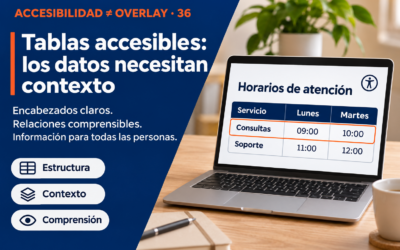
Accessible tables: when data needs context, not an overlay
A table can look tidy while remaining confusing to someone listening to it or using magnification. Accessibility means preserving the relationship between every value, its row and its column.
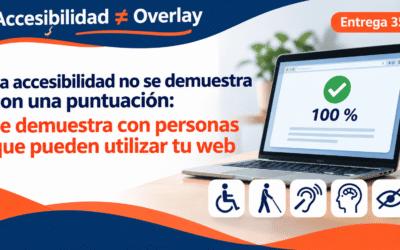
Accessibility is not proven by a score: it is proven when people can use your website
ACCESSIBILITY ≠ OVERLAY · 35Accessibility is not proven by a score: it is proven when people can use your website📅 6 November 2026 · ⏱ 6 min readA perfect automated score can coexist with serious barriers. Real accessibility means completing real...
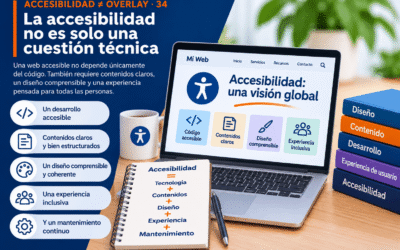
Accessibility is not just a technical issue: a holistic approach
ACCESIBILIDAD ≠ OVERLAY · 34Accessibility is not just a technical issue: a holistic approachAccessible code, clear content, understandable design, inclusive experiences and ongoing maintenance must work together.1. Accessibility goes beyond codeA website can pass...
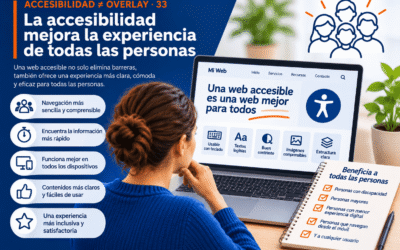
Accessibility improves the experience for everyone
Accessible websites remove barriers and make everyday tasks clearer and easier for a wider range of people.
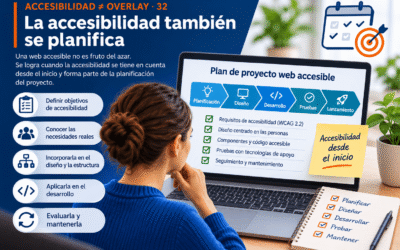
Accessibility ≠ Overlay: accessibility must be planned
Accessible websites are not an accident. They result from clear requirements, inclusive design, sound development, realistic testing and ongoing maintenance.